
Assistive technologies every youth worker should know
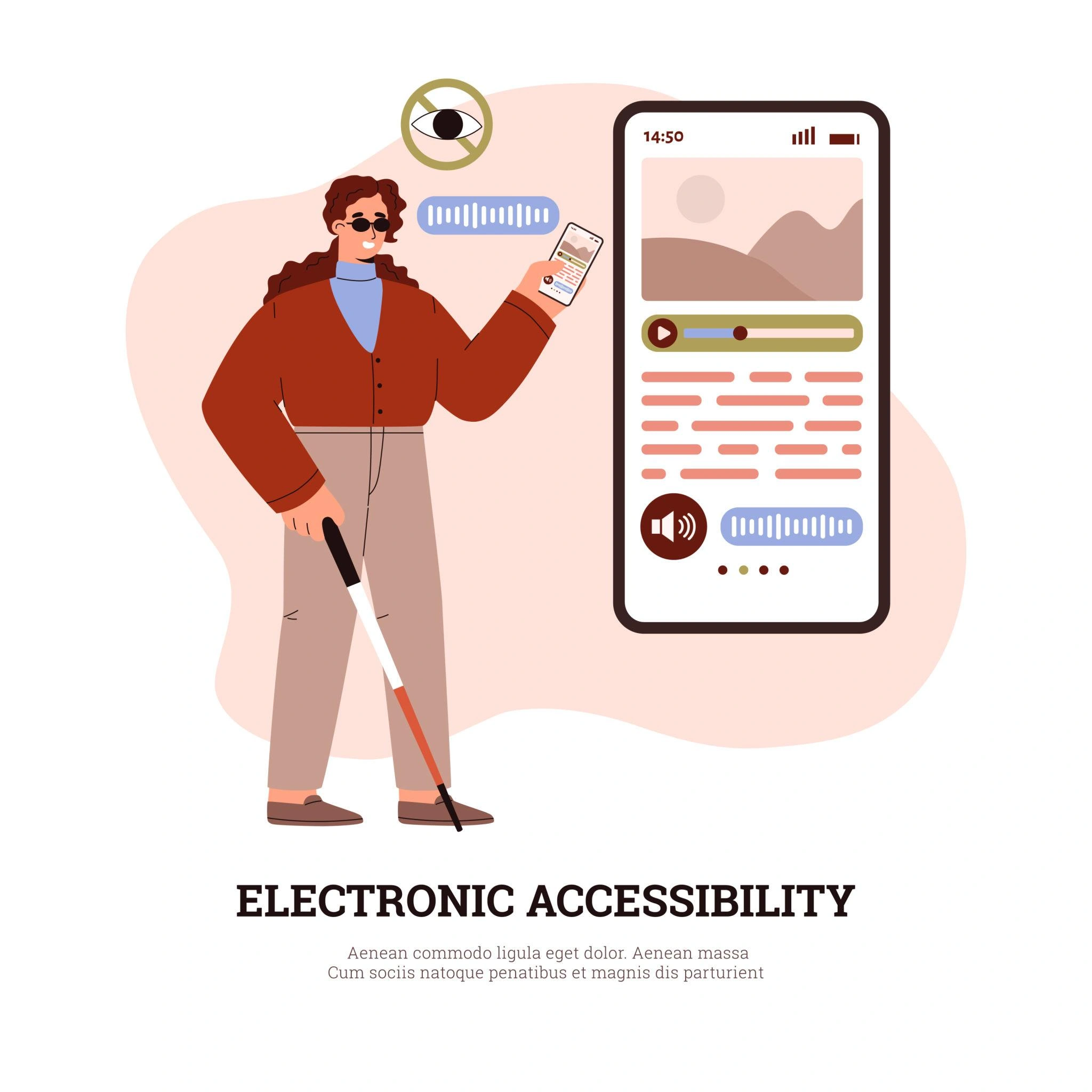
What are assistive technologies?
Assistive technologies are tools that help people access and interact with digital content more easily. They can be:
- specialised software
- built-in features on devices
- or simple adjustments that make a big difference
They are not about “fixing” the person and they are about removing barriers created by design.
Common tools you might already know (or use)
One of the most interesting things is that many assistive technologies are already around us, but we just don’t always recognise them as such. Here are a few key examples:
Screen readers
Used by people who are blind or have low vision, screen readers convert text into speech.
If a website or document is not properly structured, a screen reader cannot interpret it correctly.
Captions and subtitles
Essential for people who are deaf or hard of hearing, but also useful in everyday situations (watching videos in public, different languages, etc.).
No captions = no access to content.
Text-to-speech and speech-to-text tools
These allow users to:
- listen to the written content
- or dictate instead of typing
They are widely used by people with learning differences, dyslexia, or mobility challenges.
Magnification and contrast tools
Users can enlarge text, zoom in on content, or adjust colours for better visibility.
Poor contrast or small fonts can make content unusable for many users.
Keyboard navigation
Not everyone uses a mouse. Some users rely on keyboards or alternative input devices.
If a platform cannot be navigated with a keyboard, it becomes inaccessible.
Built-in accessibility: closer than you think
Modern devices already include many accessibility features:
- smartphones with voice control and screen readers
- laptops with zoom, contrast, and caption options
- platforms with automatic transcription
This means that accessibility does not always require complex solutions.
Sometimes, it simply requires awareness and intentional use of existing tools.
Why tools alone are not enough
Here’s where an important misunderstanding often happens:
Having assistive technologies does not automatically mean content is accessible.
For example:
- a screen reader cannot describe an image without alt text
- captions won’t help if audio is unclear
- voice tools struggle with poorly structured content
This is why the SEOywd curriculum emphasises the connection between:
assistive technologies and accessible design
The two must go hand in hand.
What this means for youth workers
You don’t need to become a technical expert to start making a difference. But you do need to:
- understand that these tools exist
- recognise how young people might be using them
- and design your content in a way that supports them
Even small steps can have a big impact:
- adding captions to a video
- structuring a document clearly
- choosing readable fonts and colours
- testing how your content works without a mouse
This article is part of the SEOywd project, which developed a comprehensive curriculum to support youth workers in designing and implementing accessible digital content and inclusive online activities. Want to go further? Explore the SEOywd curriculum and discover practical tools to make your digital youth work more accessible and inclusive.